 Anthony
 Is Google Preferred Sources Worth It for a Small Business Blog?
Yes, if your blog posts something new at least a few times a month. Google Preferred Sources lets a reader tell Google they want more of your site. For that reader, your new posts show up more in Top Stories and get a "preferred" label in AI Overviews and AI Mode. It costs nothing and takes one link. If your blog has not had a new post in a year, skip it and fix that first.
On October 18, 2026, I added the ask to 47 of the 49 blogs I write for, in one sitting. This is not a how-to. Clickflame has a free step by step guide for that, and I link it below. This is the call I made, why I made it, and the parts I would tell a friend to skip.
Key points
- It only changes results for people who pick you. It is not a ranking boost for strangers.
- Google says people are twice as likely to click a site they picked.
- Readers had picked more than 600,000 sources by August 20, 2026, up from 345,000 in May.
- Only a whole domain or subdomain can be picked. A /blog folder rides on your main domain.
- I used a plain link, not Google's button, on every one of my sites.
- The wording matters more than the button. Ask like a person.
What It Actually Does, In Plain Words
Google keeps a list of sites each person likes. You can add to your own list in Google's source preferences tool. When a site on your list posts something that matches your search, Google is more likely to put it in front of you, with a badge on it.
That started in Top Stories. On May 27, 2026, Google said it was bringing the badge into AI Overviews and AI Mode too (Google). In the same post Google said people are twice as likely to click through to a preferred source, and that any site that publishes fresh content is eligible.
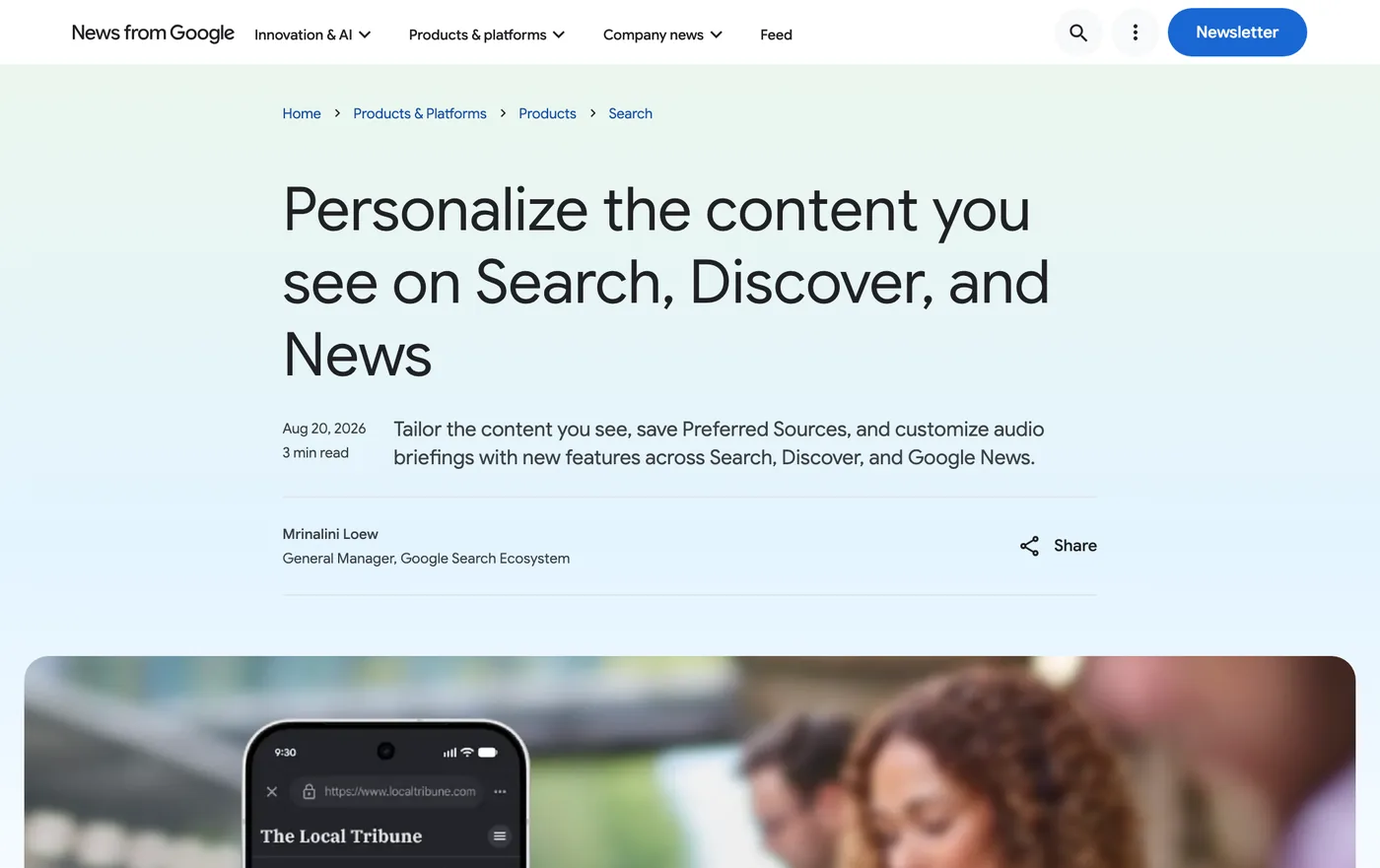
Then on August 20, 2026, Google launched a button site owners can put on their pages, and said readers had picked more than 600,000 unique sources (Google).
Why I Said Yes On The Same Day
My test for anything new from Google is simple. Does it cost money, does it slow the site down, and does it help a real person? This one costs nothing. Done my way, it adds no weight to the page. And the person it helps is the reader who already likes you.
That last part is the whole reason. Across the 77 sites we manage, Google Search Console shows about 24,000 clicks and 3.6 million impressions in the history we have stored, from June 2025 to October 14, 2026 (our own Search Console data). Search brings a person to one page. A preferred source is one way to turn that one time reader into a regular. You do not get many chances to ask for that.
I also liked that it is honest. Nobody is paying for the badge. A reader picks you or does not.
Why I Picked A Plain Link Over Google's Button
Google offers three ways to ask, all on its Search Central page. There is a standard button that loads Google's script. There is an advanced version for custom builds. And there is a plain link, which Google calls a deeplink.
I went with the plain link everywhere. Three reasons.
- No script. Every script is one more thing a phone has to load. I spend a lot of time making pages fast. I was not going to undo that for a button.
- It looks like the site. Google's button looks like Google. A link can be a sentence, a pill or a callout in the site's own colors.
- It works outside the site. The same link goes in an email, a text or a social post.
The trade off is fair to mention. With the button, the reader adds you and lands right back on your page. With the link, they go to Google and have to come back on their own. If you run a news style site where every second on the page counts, the button might win for you.
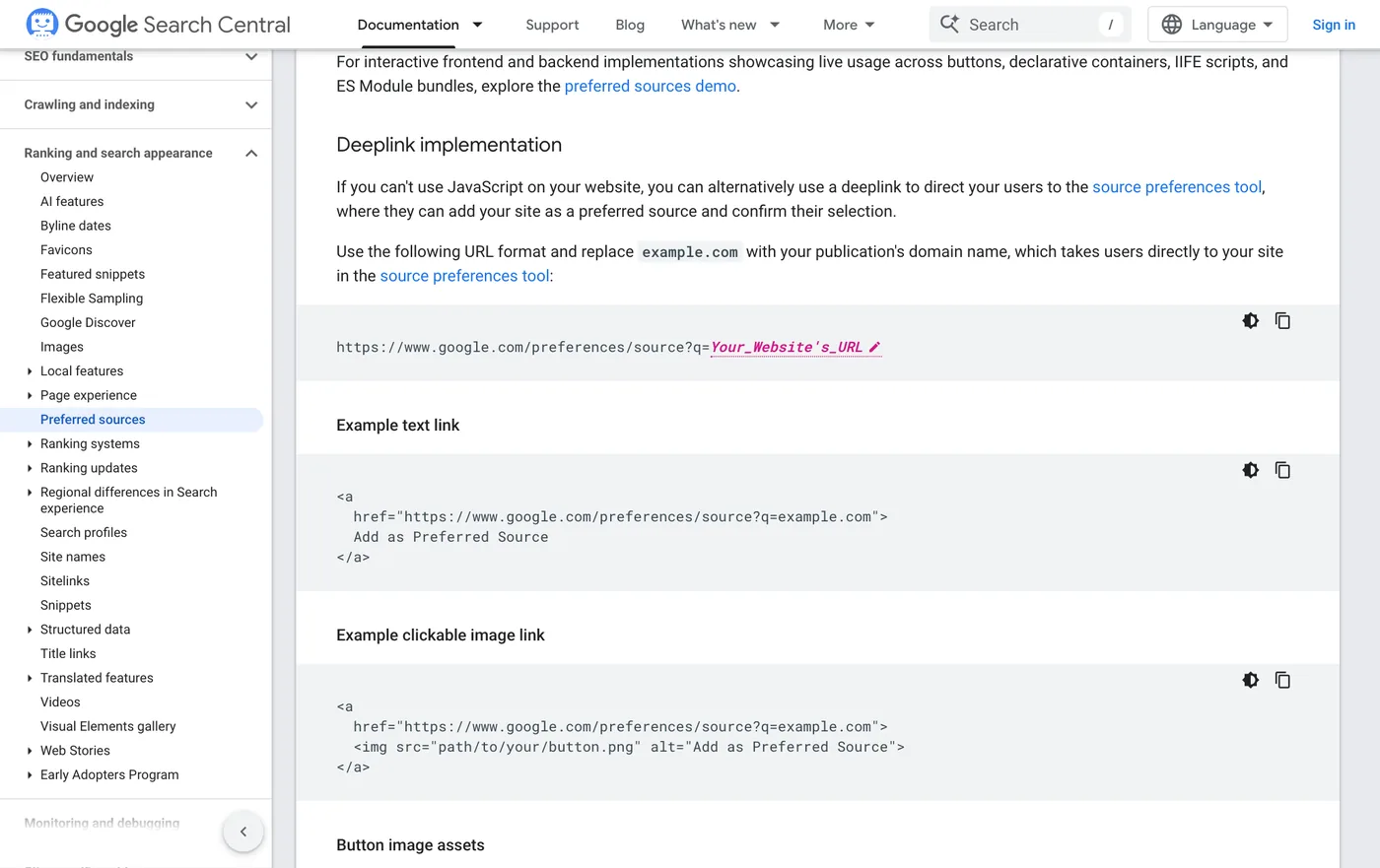
The link itself is one line. It is Google's address, google.com/preferences/source, with ?q= and your domain on the end. Use the bare domain, never a path. The PDF below has the exact line ready to copy.
How I Worded It On Each Site
This is the part most people get wrong. "Click here to add us as a preferred source" reads like a form letter. Nobody knows what a preferred source is yet. So I wrote each ask like I would say it out loud, and put it where a reader naturally pauses.
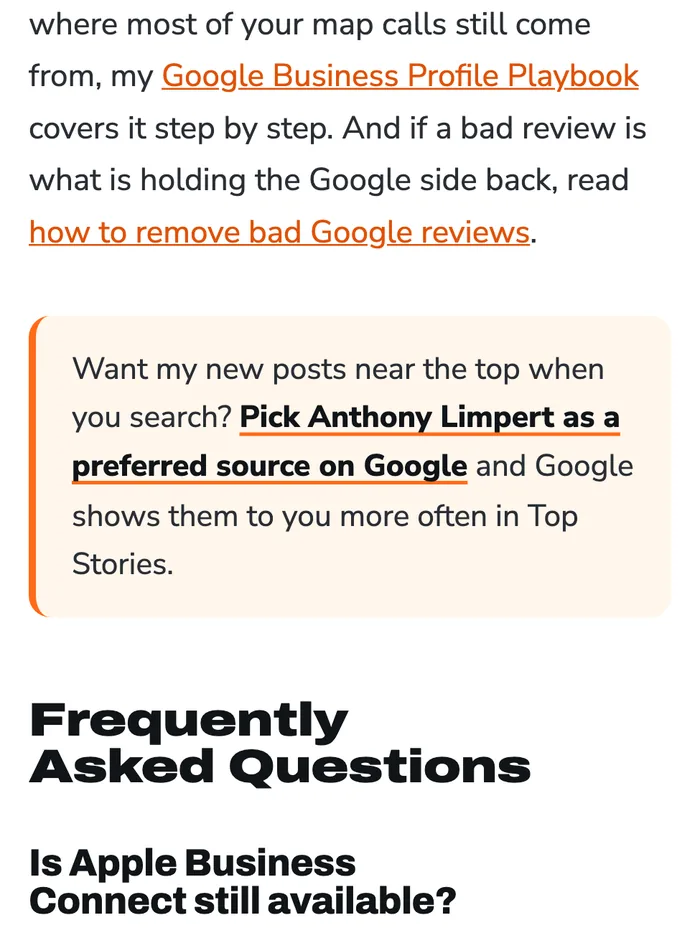
On this site, it sits right before the questions at the end of every post. It says what you get, in my voice.
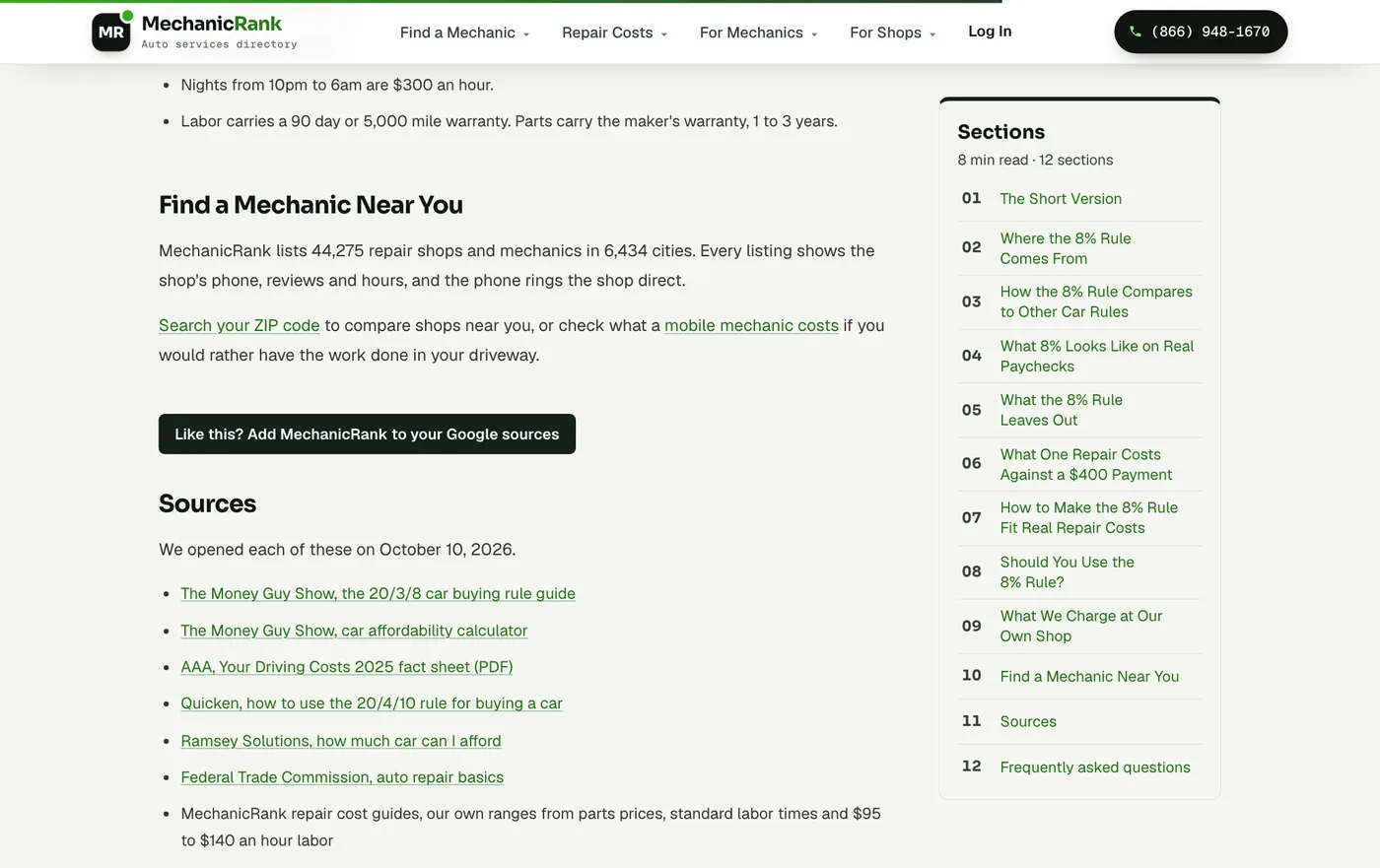
On MechanicRank, a mechanic directory, it is a solid button right above the sources list. Someone who just read a full cost guide is the person most likely to want the next one.
On JailBails, a bail guide for families, it is a quiet text link at the end. People reading about a loved one in jail do not want a loud button. They want the answer and a way to find it again.
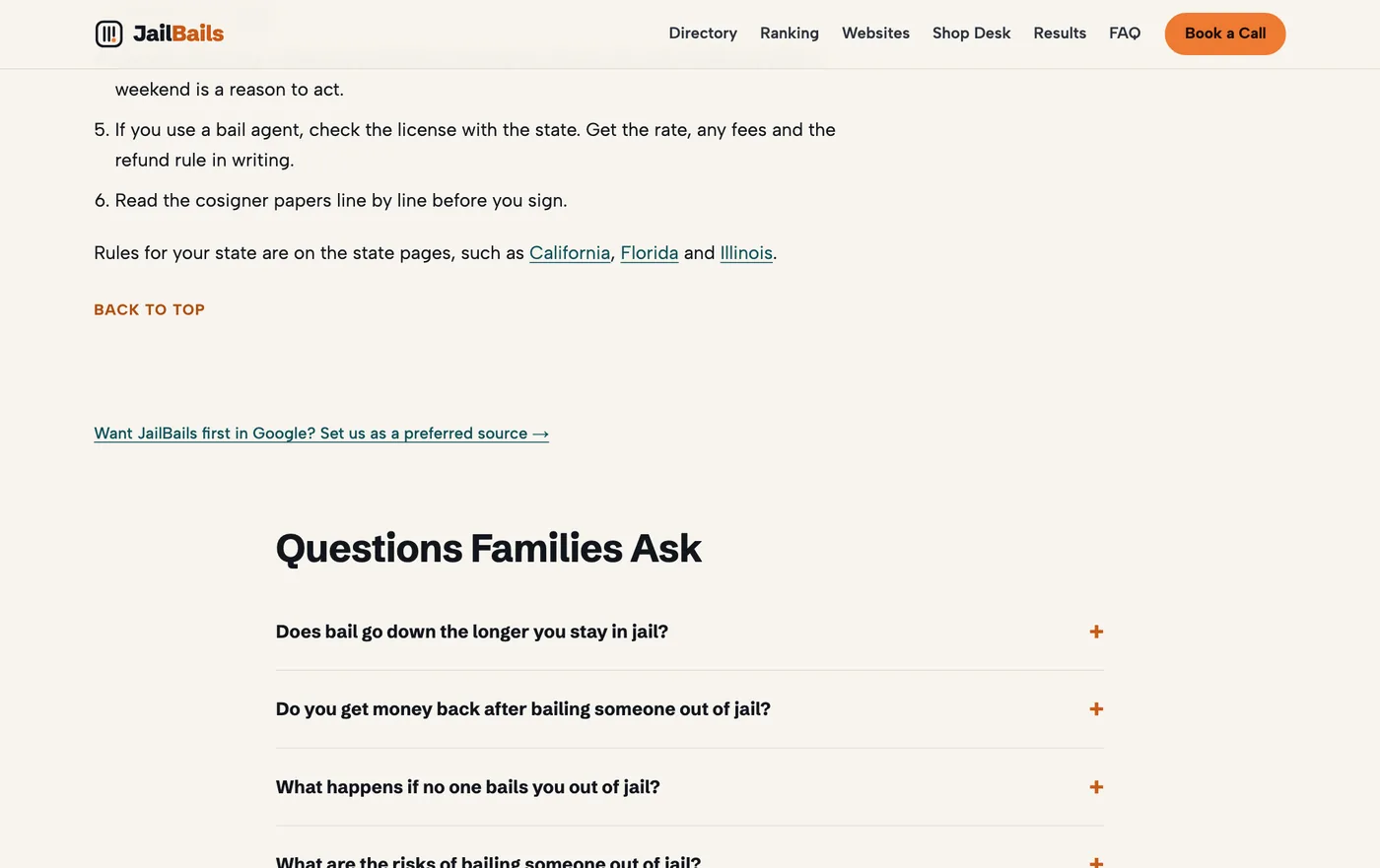
Same link underneath. Different words, different spot, different size. That is how it should be, because the readers are different.
Who Should Skip It
I would not tell everyone to do this. Skip it, for now, if any of these are you.
- Your blog is dead. Google's own words are that sites publishing fresh content are eligible. Three posts from 2022 give nobody a reason to pick you. Post first. Ask later.
- Your site has no blog at all. A plumber with five service pages has nothing new for Google to show a fan. Put your effort into your Google Business Profile and reviews.
- Your blog sits on someone else's domain. If you post on a platform you do not own, the vote goes to the platform, not you. Only domains and subdomains can be picked.
- You opted out of AI features in Search Console. Google's doc says your site has to be included in Search generative AI features to show as preferred in AI Overviews and AI Mode. Top Stories still works without it.
And keep your hopes in line. Google has not said how much more often a picked site shows up. The only number it gave is the click rate. That is plenty for a free link, but it is not a traffic plan.
Want The Full Setup?
I did not want to write the same guide twice. Clickflame put together a free PDF with every step, all three install options with the code, and screenshots of each one. There is no email box and no form. Download How to Set Up Google Preferred Sources Yourself (PDF).
If your real problem is that Google is not picking up your new posts at all, start with my guide on how to get every page indexed instead. And if you would rather I just handle the blog, here is how it works when you work with me.
Want my new posts near the top when you search? Pick Anthony Limpert as a preferred source on Google and Google shows them to you more often in Top Stories.
Frequently Asked Questions
Is Google Preferred Sources worth it for a small business?
Yes, if you post new content regularly. It is free and takes one link. It only helps with readers who pick you, but Google says those readers are twice as likely to click your site. If you do not post, fix that first.
Does adding a preferred source link help my rankings?
Not for everyone. It changes results only for the people who pick your site. A stranger who has never heard of you sees the same results as before.
Should I use Google's button or the plain link?
Use the button if you want Google's look and want readers to land back on your page by themselves. Use the plain link if you want no extra script, your own design, or a link you can also put in emails and social posts. I used the plain link.
Can my blog folder be its own preferred source?
No. Google only lists domains and subdomains. A blog at yourdomain.com/blog gets picked as yourdomain.com. A blog at blog.yourdomain.com can be picked on its own.
Where should I put the link on my blog?
Put it in your post template so every post gets it. Pick a spot where a reader pauses, like right after the answer, in your author box, or right before the questions at the end. One ask per post is enough.
Your Checklist This Week
- Search your domain in Google's source tool and make sure it shows up.
- Check Search Console and leave your site in Search generative AI features.
- Write one sentence that says what the reader gets, in your own voice.
- Put the link in your post template, not in one post.
- Test it on your phone, signed in and signed out of Google.
- Add the same link to your email signature and newsletter footer.