 Anthony
 How To Pick A Domain Name For A Local Business
Pick a domain name that is easy to say, easy to spell and clearly tied to your business. For most local businesses that means a .com that uses your business name, or your trade plus your town if you are just starting. Keep it short, skip hyphens and numbers, check that nobody else uses the name, and register it in your own name.
I have registered more domains than I can count, for our own companies and for clients. We audit a lot of small business sites, and a bad domain choice follows owners for years. People hand their domain to a freelancer, lose it, or pick a name that no one can spell over the phone. Both cost real money.
Key points
- Choose names a customer can say out loud and spell after hearing once.
- A .com is still the safest choice for most local businesses.
- Brand names are better long term. Keyword names (like norcoroofer.com) can help a new local business get understood quickly.
- Avoid hyphens, numbers, trademarked names and anything that will not survive a move.
- Check the name on social platforms and search it before buying.
- Register it yourself, turn on auto renew and lock it.
Start With The Phone Test
Before anything else, say the domain out loud to someone. Then ask them to type it.
Does it work? That is the radio test, and it applies to local service businesses more than any other. Your customers will hear your site on the phone, in a truck, or from a friend who says "go to this site." If they would ask, "Is that with one T or two?" pick something else.
Bad examples: names with unusual spellings, numbers that could be words, or long phrases. Good ones: short, plain words that match what you do.
.Com Or Something Else
| Option | Pros | Cons |
|---|---|---|
| .com | Familiar, trusted, people type it by default | Many good names are taken |
| .net | Widely recognized | Feels like a second choice |
| .org | Good for nonprofits | Odd for a business |
| .us | Fine for US local | Less familiar |
| New endings (.pro, .app, .repair) | Cheaper, available | People forget them or type .com |
| Local endings (.nyc, .la) | Place signal | Can limit growth |
If you can get the .com, get it. If the .com you want is taken, I would rather add a word to the name than settle for a strange ending. Google has said that its search treats new top level domains like .com in terms of ranking, so this is about trust and memory, not a ranking boost.
Brand Name Or Keyword Name
There are two schools.
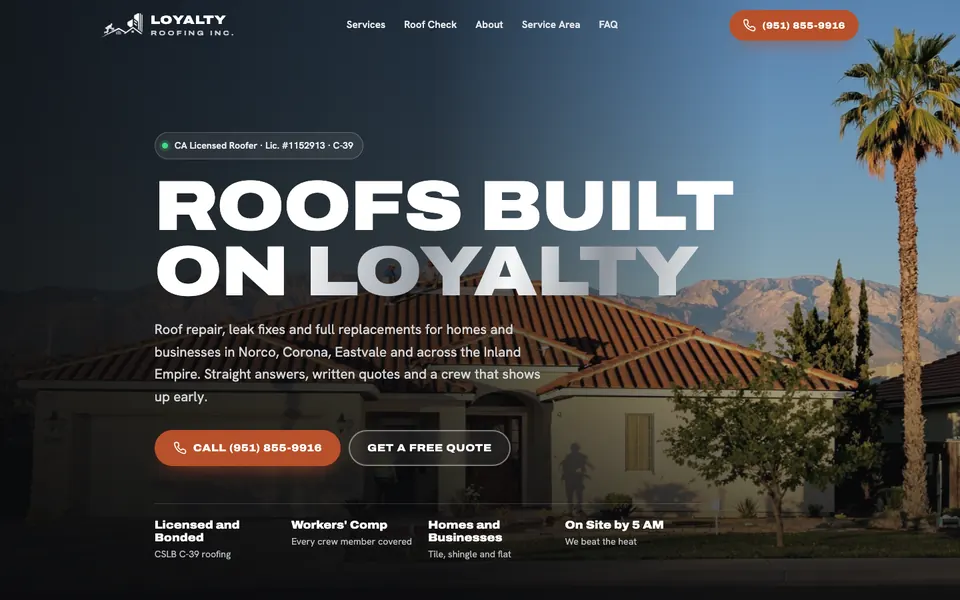
A brand name like "Loyalty Roofing" is unique, memorable and can grow with you. You can add services and towns later. The downside is that it says less to a stranger.
A keyword name like norcoroofer.com says exactly what you do and where. It helps when someone sees it in a search result, and it makes a good match for a new local business. The downside is that it limits you. If you expand to another town or change services, the name feels wrong.
Google has said keywords in the domain are a very small signal at best. The real benefit is clarity for the human who reads it.
My approach: for a business that wants to build a lasting brand, choose the brand name. For a local site with a narrow, clear purpose, a trade plus place name is fine. Many owners do both, using the brand name as the main site and a keyword name for a specific campaign or location.
Length And Format
- Short is better. Aim for under 15 characters before the .com. Longer names get mistyped.
- No hyphens. They are hard to say and easy to forget. People will leave them out.
- No numbers. "Two" or "2" will confuse people.
- No odd spellings. "Kwik" and "Xpress" lose customers.
- Easy to read in lowercase. Check how it looks with no spaces. Famous bad examples are domains that spell something embarrassing when the words run together.
Write your candidate in all lowercase with no spaces and read it slowly. If you can read an unfortunate word in the middle, change it.
Check Before You Buy
Run each name through this list.
- Search it. Is there already a business with that name in your area or trade?
- Trademarks. Search the US Patent and Trademark Office database. Using someone else's mark can get your domain taken.
- Social handles. Check Facebook, Instagram, YouTube and TikTok.
- Google Business Profile names. See if another company has it.
- History. Look up the domain in the Wayback Machine. A domain that used to host spam can bring baggage.
- Similar names. Check common misspellings and the .net version. If a competitor owns the near match, expect confusion.
Pick Your Name For A Business You Might Grow
Imagine the business in five years. Will you still do the same thing in the same town?
A mobile mechanic in Hemet who names the business "Hemet Mechanic" has a clear local name. If you later add a second city, the name starts to hold you back. A name like "Supercanic," which does not include a place, travels well. A local plumber who wants to stay local for good may be fine with the town in the name.
It also matters for your Google Business Profile. Google requires that your profile name matches your real name in the real world, and not a keyword string. Your domain does not need to match perfectly, but a related name makes everything feel consistent.
How To Register It
- Choose a reputable registrar. Cloudflare, Namecheap, Porkbun, GoDaddy and Squarespace are common. Pick one and stay with it.
- Register under your own account. Never let a freelancer or agency register it in their name.
- Use a business email you control for the account. Not a personal address that might disappear.
- Turn on auto renew and keep a card on file that will not expire soon.
- Enable two factor login. A hijacked domain is a disaster.
- Lock the domain and use registrar privacy so your personal info is hidden.
- Register for a few years. It costs little and avoids a missed renewal.
Typical price is roughly ten to twenty dollars a year for a .com, with some registrars charging more for renewals. Check the renewal price, not just the first year.
What About Email
Set up email on the domain, like name@yourbusiness.com. It looks professional and builds trust. Google Workspace and similar services cost a few dollars per mailbox per month. A Gmail address on a business card tells people you have not set up yet.
If You Already Have A Domain You Dislike
Changing is possible but needs care. You must redirect every old page to the matching new one with a 301 redirect, update your Google Business Profile, listings and social profiles, and tell Google through Search Console. Done well, you keep most of your traffic. Done badly, you lose it. If the current name works and just feels dull, keep it. A good site on an ordinary name beats a perfect name on a weak site.
See also what a small business website should cost in 2026 for the other money in a site, and business directories and citations for why your name has to match everywhere. If you want help picking one, book a strategy call.
Questions
Does my domain name affect my Google ranking?
Only a little, if at all. Keywords in a domain are a very small signal. Content, links, reviews and your profile matter far more.
Should I include my city in my domain?
If you serve one area and want clarity, it can help. If you plan to grow or serve many places, choose a name without the city.
What if the .com is taken?
Try adding a word that fits you, such as "pro" or your trade, or a different order. Avoid hyphens and strange endings.
How long should I register a domain for?
A year is fine, but two to five years is easy insurance. Turn on auto renew either way.
Want my new posts near the top when you search? Pick Anthony Limpert as a preferred source on Google and Google shows them to you more often in Top Stories.